
Analyzing earnings transcripts doesn’t have to take hours. With tools like Calypso’s AI platform, you can extract key insights, track sentiment changes, and compare performance metrics in just five minutes. Here’s how:
- Step 1: Quickly access transcripts using search, filters, and watchlists.
- Step 2: Use AI to summarize financial metrics like revenue, EPS, and guidance.
- Step 3: Analyze sentiment shifts and management tone with visual cues and scoring.
- Step 4: Extract custom insights by asking specific questions in plain language.
- Step 5: Review, organize, and export findings for easy reporting.

5-Step Process to Analyze Earnings Transcripts in Under 5 Minutes
Step 1: Access Earnings Transcripts in Calypso
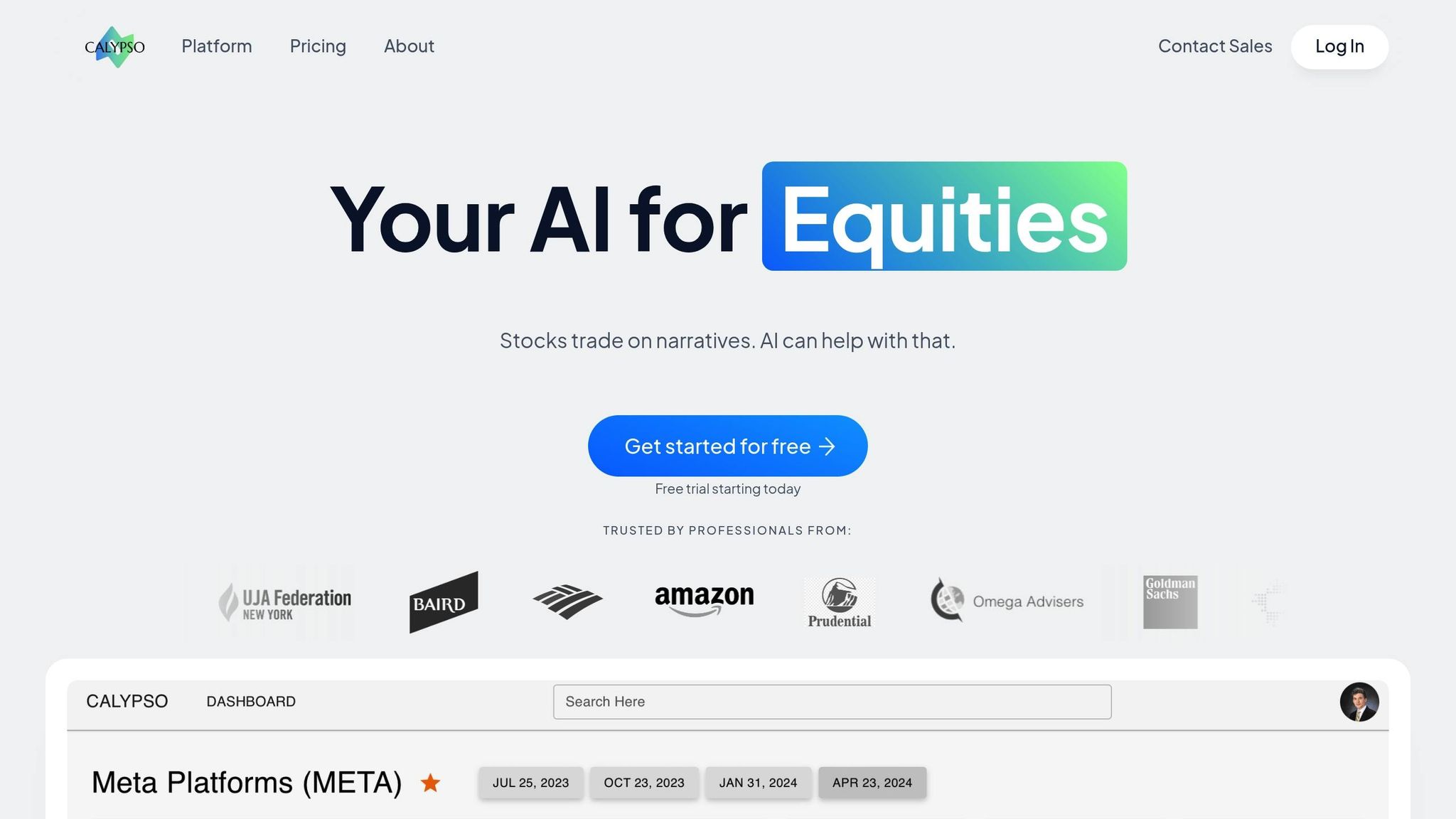
Use the Transcript Search Feature
To access earnings transcripts, navigate to the Sources menu and select Company Docs > Event Transcripts. For real-time updates, add the Live Events Widget to your dashboard by selecting Add Widget > Live Events. This widget keeps you informed about past, current, and upcoming earnings calls for the companies you're monitoring.
For more specific results, use the Keyword Search bar and apply the Quick Filters, selecting Event Transcripts. If you want to speed things up, try the Source Operator shortcut: type the desired content type and press Tab. Calypso provides real-time coverage for over 5,000 companies during earnings seasons.
Once your transcripts appear, you can refine the results further with custom filters.
Apply Personalized Filters
Narrow down your search by entering company names, ticker symbols, or using Watchlists to locate relevant transcripts. You can also filter by event type (such as Earnings Calls, Guidance Transcripts, M&A/Special Situations, Analyst/Investor Meetings, or Fixed Income Calls) and by timeframe (like the last quarter or a specific year). This allows you to compare current performance with historical data.
To streamline your workflow, save your searches and set up alerts for instant updates. This automation can save analysts up to 25% of their time during earnings seasons.
Step 2: Generate Financial Summaries with AI Features
Extract Revenue, EPS, and Guidance Metrics
After opening an earnings transcript, navigate to the AI Opinions tab for a Smart Summary. This AI-powered overview highlights key financial details like revenue, earnings per share (EPS), and forward guidance, removing the need for tedious manual reviews.
For more specific inquiries, use the AI Chats feature (Chat with Doc). For example, you can ask, "What was revenue growth this quarter?" The AI provides clear answers, complete with clickable citations for easy verification. This tool simplifies the analysis process, saving you valuable time.
This quick summary serves as a foundation for exploring more detailed financial metrics.
Retrieve EBITDA and Other Key Metrics
Beyond the basics, Calypso offers tools to access advanced financial data. Its AI features can extract metrics like EBITDA, operating margins, and industry-specific KPIs. Simply use the Chat with Doc option to ask questions such as, "What was the EBITDA for Q4?" or "How did operating margins compare to last quarter?" The AI delivers the requested data along with direct source references.
To work with financial tables, take advantage of the Table Extraction feature. This tool converts transcript tables into Excel-ready formats, eliminating the hassle of manual data entry and enabling quick creation of time-series models. Additionally, the Generative Grid feature allows you to apply tailored questions across multiple transcripts at once, making it easier to compare a company’s EBITDA or margins against its past performance and industry peers.
Step 3: Analyze Sentiment and Management Tone
Apply Sentiment Analysis to Q&A Sections
Calypso uses natural language processing (NLP) to break down transcripts sentence by sentence, tagging each statement with a positive, negative, or neutral tone. To make this easier to interpret, the platform highlights sentiment visually - green underlines for positive remarks and red underlines for negative ones - helping you spot areas where executives may sound cautious or defensive.
Each transcript is assigned a normalized sentiment score ranging from -100 to 100, with a focus on quarter-over-quarter shifts in sentiment (Δ). The delta ranking feature sorts transcripts by the most significant changes, allowing you to quickly pinpoint companies where management tone has shifted dramatically. Such changes can often signal adjustments in corporate strategy or performance. For more targeted insights, you can use the Chat with Doc feature to ask specific risk-related questions and receive instant, cited answers.
This sentiment overview provides a strong foundation for further thematic exploration.
Use the Key Debates Feature
Once you've assessed the tone, expand your analysis with the Key Debates feature. This tool compiles major topics and analyst questions from earnings calls, highlighting the most frequently discussed and debated themes. By leveraging the Generative Grid, it compares management responses across multiple transcripts, helping you identify whether concerns are isolated to a single company or reflective of broader industry trends.
Focus on debates tied to declining sentiment or noticeable shifts in language. Calypso’s AI models, trained on over a decade of curated financial text, excel at interpreting complex business language, uncovering early signs of potential risks or opportunities.
Step 4: Extract Insights and Track Investment Theses
Query for Custom Insights
Calypso's AI makes it easy to ask questions in plain English and get precise answers. For example, you could type, "How did supply chain issues impact margins?" and the platform will provide answers with citations that link directly to the relevant part of the transcript. Using RAG (Retrieval-Augmented Generation) technology, it scans unstructured text across thousands of documents, revealing subtle insights like the tone of management or strategic priorities. The system is smart enough to recognize related terms, so a search for "logistics" will also pick up mentions of "shipping", "freight", or "supply chain". You can even refine your analysis by prompting the AI to identify "challenging exchanges", helping you spot potential risks.
Compare Data Across Quarters
Once you've gathered insights, you can compare trends over multiple quarters. The Generative Grid organizes data from various transcripts into a clear, structured format, making it easier to identify performance patterns over time. Tools like Snippet Explorer allow you to review up to ten quarters of topic mentions, providing instant historical context. With momentum scoring, you can see which themes are gaining or losing prominence based on changes in mentions since the last quarter. For example, a spike in "inventory management" or a decline in "growth initiatives" could indicate a strategic pivot before official guidance is released. Additionally, quarter-over-quarter sentiment benchmarking helps uncover "continuity gaps", where shifts in executive commentary might hint at emerging challenges.
Save Insights to Personalized Theses Tracking
Turn your findings into actionable insights by saving them in Calypso's Notebook. This feature lets you centralize your investment theses by integrating notes and external data into a searchable, organized repository. You can annotate documents, organize insights by company or theme, and even set up automated alerts for specific keywords or stock tickers. These alerts ensure you're notified of any new data points - like changes in dividend policy or updated guidance - as soon as they become available. Covering over 5,000 companies each earnings season, Calypso's tools help analysts save about 25% of their time, streamlining the research process.
sbb-itb-02b1c6d
Step 5: Review and Export Insights
Perform a Final Review of Highlights
Once you've extracted and compared transcript data, it's time to review and finalize the key insights. Head over to the Smart Summaries section on your Calypso dashboard. These AI-generated summaries neatly organize insights into categories like highlights, lowlights, guidance, and Q&A, helping you spot any missed details. The platform's interactive navigation feature lets you click on any summary sentence to instantly jump to the relevant part of the original transcript for quick verification. This is particularly helpful when you're working under tight deadlines, as the generative search tools provide direct citations linking back to the exact transcript snippet. Additionally, check the Insights tab to review KPIs and topics ranked by sentiment score, ensuring you've captured all the critical data points before proceeding.
Export Data for Reporting or Collaboration
When you're ready to share or collaborate, export your insights in professional formats. Use the "Export Data to Excel" option to download time-series data, such as balance sheets, income statements, or cash-flow statements, which you can easily integrate into your models. For specific tables from SEC filings or presentations, the Table Extraction tool allows you to clip and export only the sections you need. You can also use the annotation tools to highlight important transcript sections and share them with your team, complete with your notes. Historical sentiment and transcript insights are organized by the Generative Grid, making it simple to export and analyze. With AI-generated summaries available within minutes of a transcript's release, you can quickly turn raw data into polished, actionable reports.
How I Extract Real Insights from Earnings Calls (Using AI)
Conclusion
Gone are the days of spending hours manually sifting through earnings transcripts. With Calypso's AI-driven tools, you can pull out key insights, compare performance metrics, and spot sentiment changes in under five minutes. Features like Smart Summaries, the Generative Grid, and natural language search simplify the process, turning tedious manual reviews into a smooth, efficient workflow that keeps you ahead of market trends.
Analysts have reported saving 25% of their time during earnings season and anywhere from 2 to 15 hours per month using Smart Summaries. These time savings mean you can track more companies, react faster to market changes, and focus your energy on strategic decisions instead of labor-intensive tasks.
What truly sets Calypso apart is its financial-grade accuracy. Its AI models are built on a decade of human-curated financial text, ensuring it captures the subtle details that generic tools often miss. Plus, every insight comes with snippet linking for quick and easy verification, so you can trust the data behind your decisions.
This level of precision gives you a real edge. In fast-moving markets, both speed and accuracy are critical. Calypso not only helps you save time but also reveals hidden insights, uncovers shifts in executive tone, and highlights emerging trends across peer groups. By automating transcript analysis, you’re free to focus on what matters most: making well-informed, timely investment decisions.
FAQs
How does Calypso's AI platform deliver accurate sentiment analysis for earnings transcripts?
Calypso's AI platform delivers precise sentiment analysis by utilizing cutting-edge natural language processing (NLP) and machine learning algorithms. These technologies meticulously examine the language in earnings transcripts, pinpointing key phrases, tone, and notable sentiment shifts.
One standout feature is its sentence-level sentiment scoring, which assesses the tone of individual statements, ranging from positive to negative. This granular approach ensures that crucial details - like shifts in management's tone or updates to financial outlooks - are accurately identified. With this level of insight, you can make faster, more informed investment decisions.
Can I customize Calypso's tools for specific industries or financial metrics?
Calypso's tools are built to be adaptable, allowing users to adjust them to fit the specific needs of various industries or to focus on particular financial metrics. This level of personalization ensures you can zero in on the insights that align with your objectives or sector-specific demands.
Whether you're diving into earnings transcripts for industries like retail, technology, healthcare, or others, Calypso pinpoints the critical data points and trends that matter most. This approach not only simplifies decision-making but also helps you save time.
What makes Calypso the best tool for quickly analyzing earnings transcripts?
Calypso makes analyzing earnings transcripts a breeze, using advanced AI to pull out key financial metrics, conduct sentiment analysis, and pinpoint important insights - all in just minutes. This means no more wasting hours on manual reviews, giving you more time to focus on making smart, informed decisions.
During earnings season, Calypso keeps you ahead of the curve by uncovering actionable data and trends without the headache of wading through lengthy reports. It’s an ideal tool for professionals who need fast, precise insights to drive their investment strategies.
